
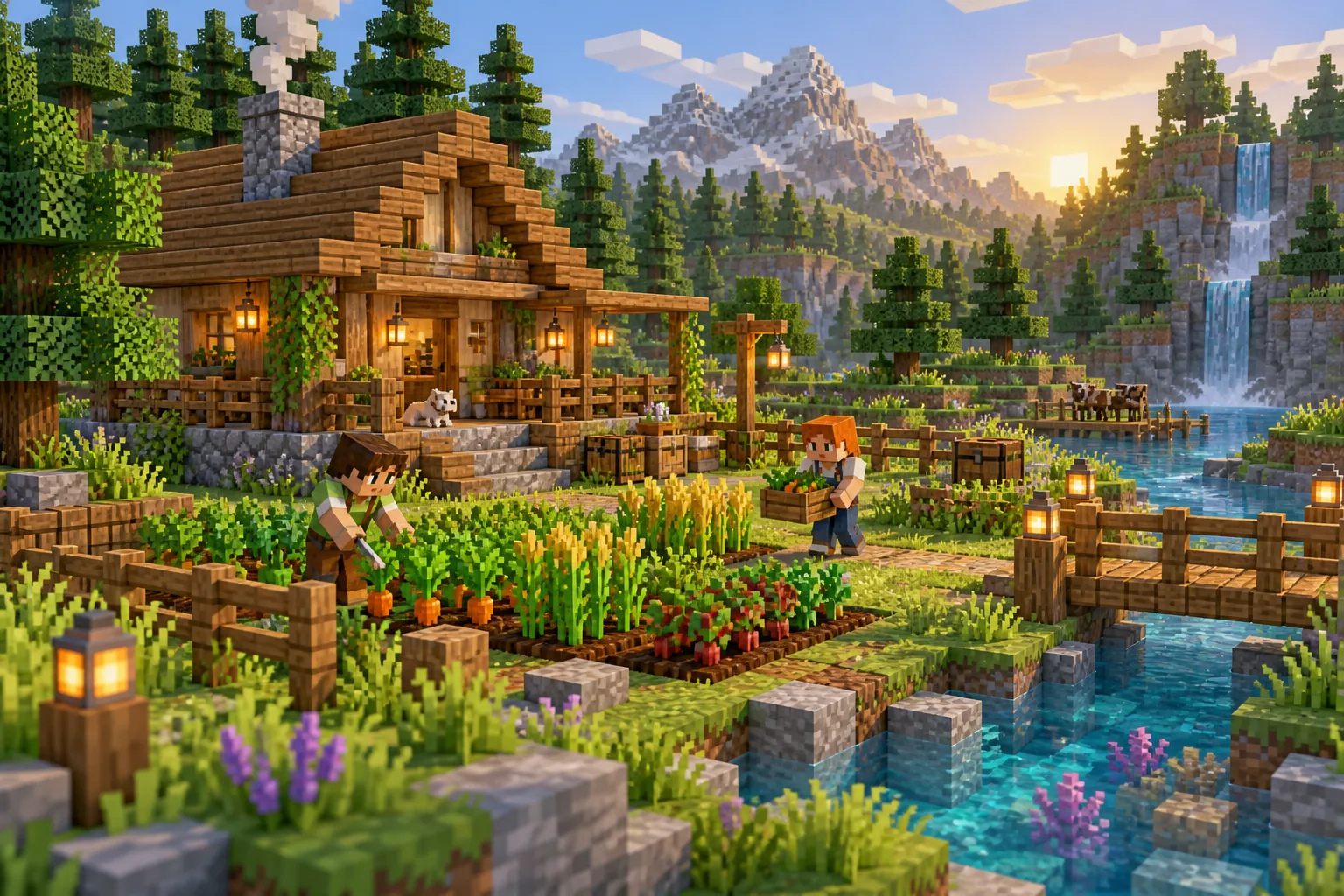
01 / Gather & grow
Survive together.
Gather resources, grow your first crops and turn a small base into a place to call home.
Community Minecraft · one simple price
Create a world. Find players. Invite friends.
No single player owns the world or gets to be the boss.
For your participation. One active world at a time.
Explore WorldsEqual players. No owner advantage.
Change worlds. Take your capacity with you.
Shared worlds. Clear rules from the start.
Ways to play
Start with an idea. Find the right world
and people after signing in.
01 / Gather & grow
Gather resources, grow your first crops and turn a small base into a place to call home.
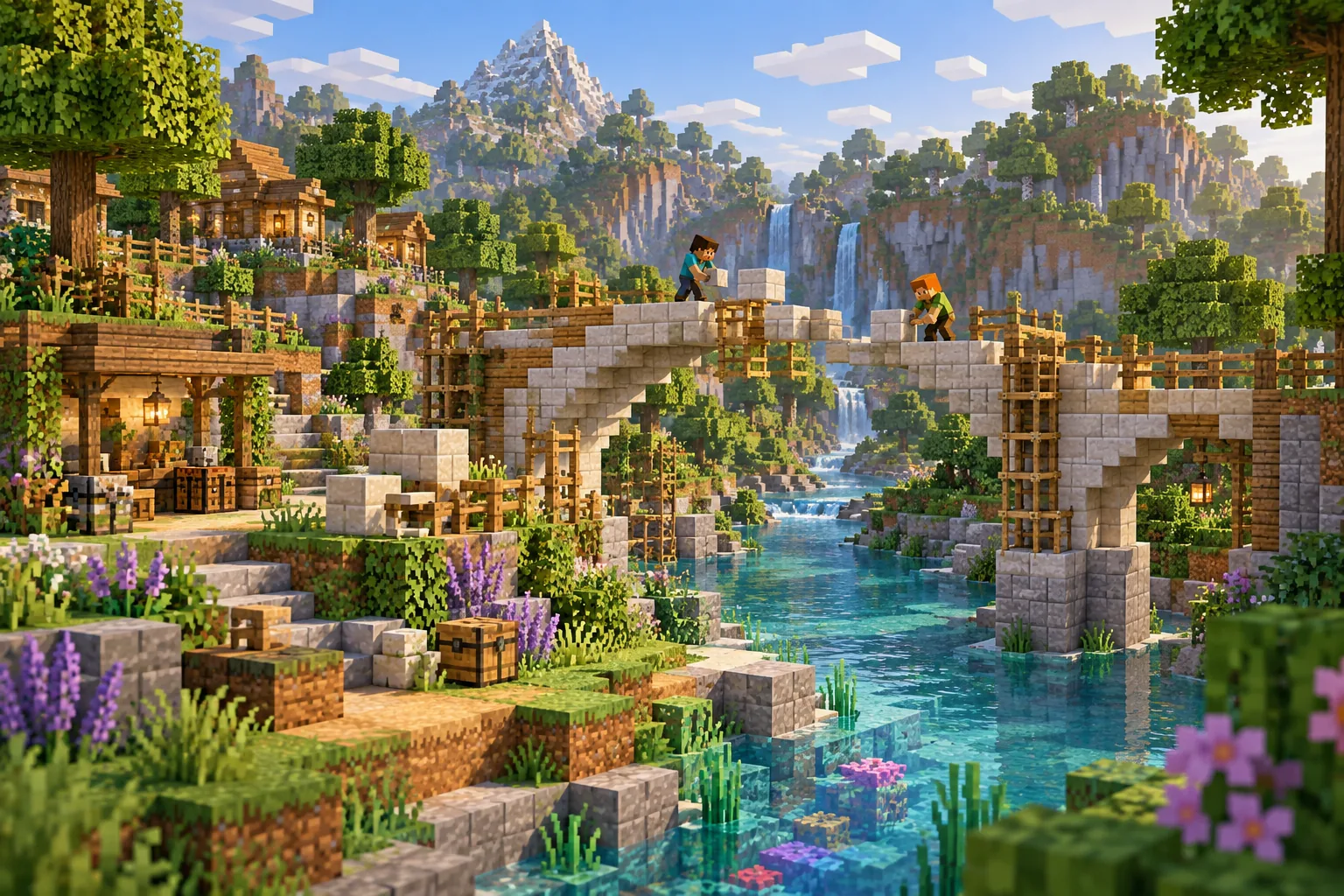
02 / Dream & build
A bridge. A village. Your next shared project. Bring an idea and see where it takes you.
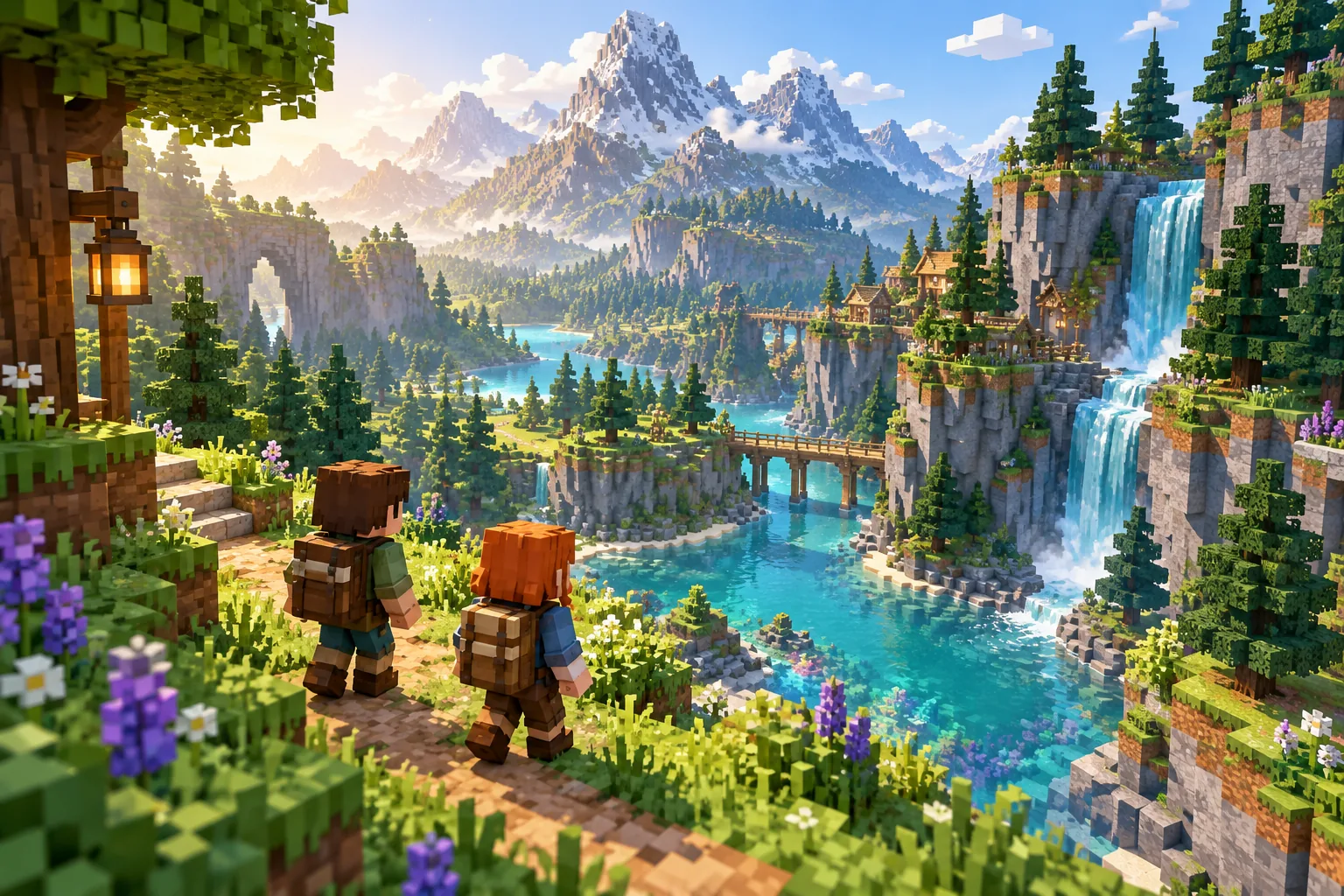
03 / Wander & discover
Follow a river, head for the hills and find your next adventure with good company.
These are ways to play. Available worlds and their settings are shown in your portal.
Sign in to browse WorldsA world without an owner
Build your base your way. Shared decisions are about the settings the rules allow—not every block you place.
The important detailsCreating a world gives you no extra vote, special player rights or private delete button.
Other members can keep supporting the world after its creator leaves. It still needs enough support to run.
Move to another world you’re allowed to join. You don’t need to buy again just to change worlds.
From curious to connected
Get started now.
Your next world is still your choice.
Choose a monthly or yearly plan, or redeem your voucher. You can choose a world later.
Create a new world, follow an invitation or find a community that welcomes you.
Activate a world you can join. When it’s Ready, follow the connection details in your portal.
Your capacity is called a PlayUnit. One can activate one world at a time. Buying a plan doesn’t automatically admit you to every community.
Your part. One simple price.
Pay for your participation—not the whole group’s server.
Want several worlds active at once? Add more capacity in your account.
€4/ month
Your participation, billed monthly.
One PlayUnit · one active world
No trial. Renews every month until you stop automatic renewal.
€40/ year
Your participation, billed yearly.
One PlayUnit · one active world
No trial. Renews every year until you stop automatic renewal.
Taxes, if applicable, and your final total are shown before payment. No plan is selected until you explicitly choose after signing in. A voucher follows its own terms and is not a paid subscription.
Player access
Continue to your private Player Portal.
Checking sign-in status…
Before you jump in
A few useful things to know about playing, paying and moving on.
One PlayUnit: your capacity to activate one eligible world at a time. The €40 yearly option includes the same capacity. It’s for your account, not a whole server for everyone in your group. More simultaneous active worlds need more capacity.
No. Activate another world you’re allowed to join and move your existing capacity there. With one PlayUnit, this changes your active world; it doesn’t give you two active worlds at once.
Yes. Choose “I have a Voucher”, sign in, then redeem your code. You don’t have to buy a plan first. Your voucher’s terms determine what you receive.
In your portal, open My PlayUnits, find the paid PlayUnit and choose Stop automatic renewal. Renewal stops at the end of the current paid period. Before that date, choose Keep automatic renewal if you change your mind. Voucher PlayUnits have no automatic renewal to stop.
Your unused capacity is shown as Available. It can activate an eligible world later, but being Available does not pause billing. To stop future payments, use Stop automatic renewal separately.
No player owns it. The creator chooses the starting setup but has no extra vote. The starting rules define which settings members can decide together; ordinary Minecraft building is not a vote on every block.
Use your own copy of Minecraft. Open your chosen world in the portal; when it reports Ready, its connection address and protocol are shown. Check that these match your game before connecting.
Leaving ends your membership in that world. It does not move your capacity or stop its subscription. Move your capacity or stop automatic renewal separately, depending on what you want to do next.
Your next world starts with you